Use Display Builder with Views
Drupal's Views module combines two distinct roles: query building and display building. Display Builder focuses on the display building aspect, providing a more intuitive interface for organizing and configuring the view's display regions.
A page is assembled from several levels at once: a page layout places the page's main content. What fills it is a display: an entity's view display, or a Views display. A display can itself place another display, by rendering a reference field with a view mode.
See How displays nest.
Overview
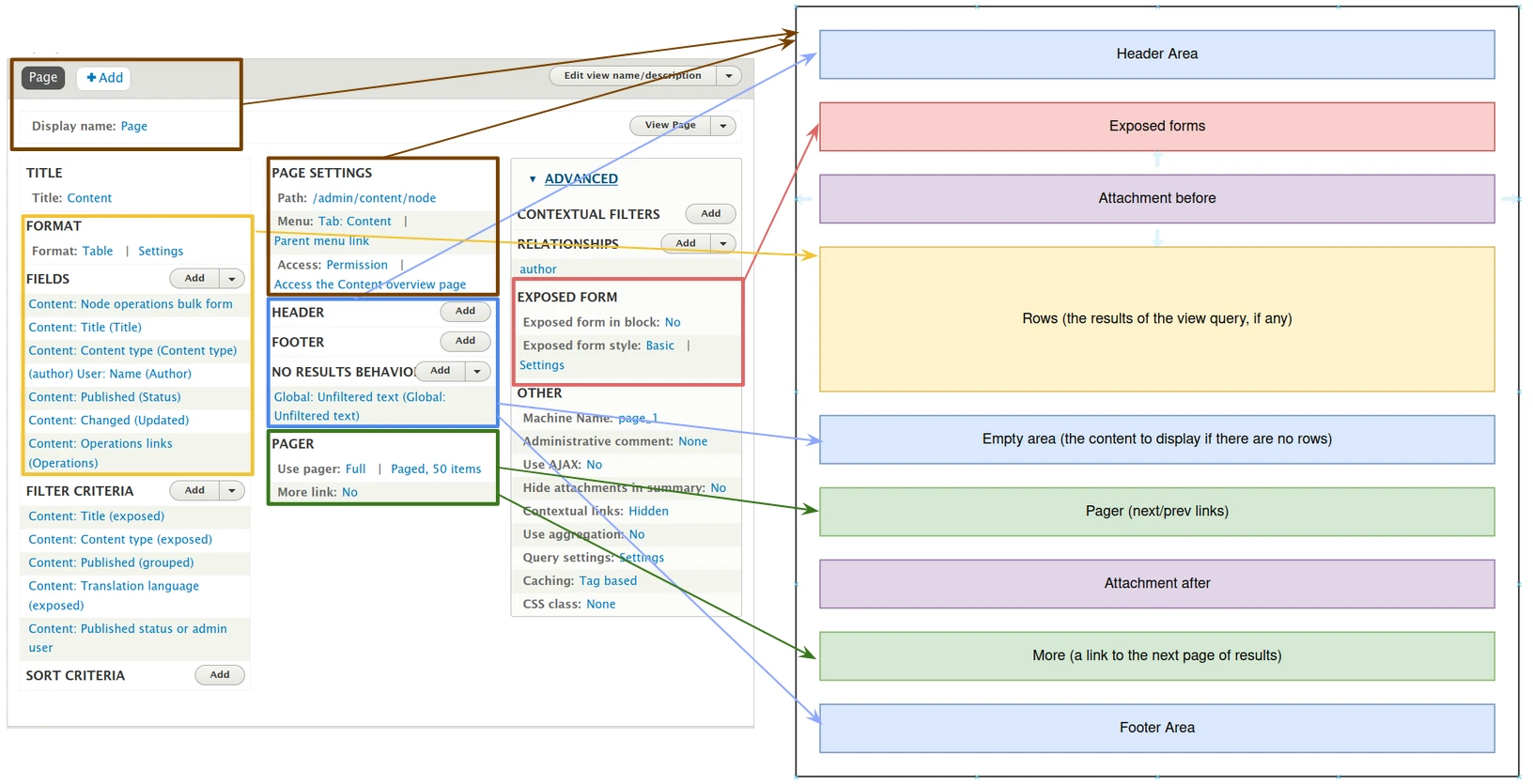
Display Builder provides a nicer way of using, positioning & configuring View's display regions:
- Exposed form
- Attachment before & Attachment after
- Header & Footer areas
- No results (the empty area)
- Rows
- Pager & More
- Feed icons
Visual representation:
Activate
You need display_builder_views module.
On the view, Display Builder can be activated in Other:
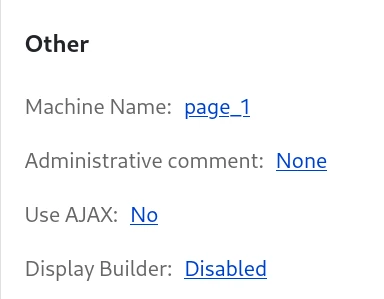
You can pick the builder you want according to your permissions:
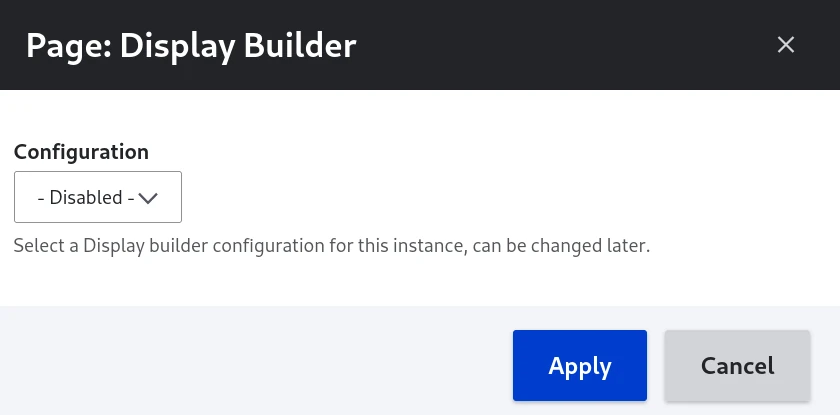
Use Display Builder
Once you have submitted your display builder selection, a link is available:
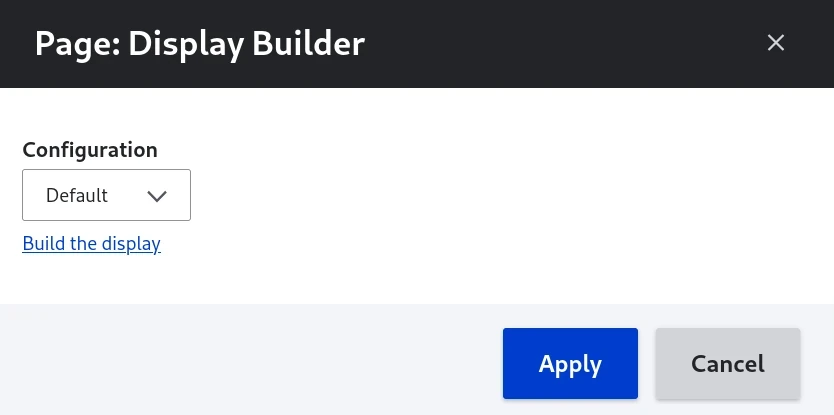
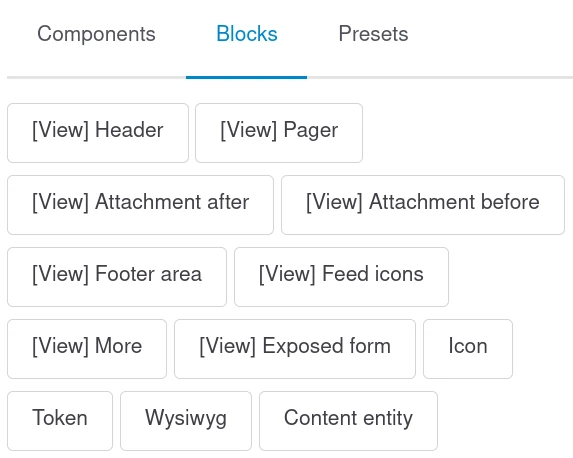
We have access to Views related sources for slots in the Blocks Library panel:
View Title source is also available for string prop:
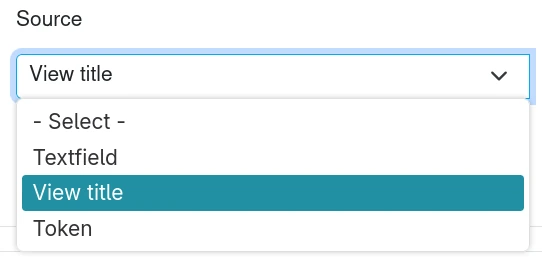
🚧 2026-09-08: Screenshot predates the Textarea source, which the same select now offers - needs retaking.
Configure a view source
Sources backed by a view option configure in place, in the Config panel: the pager, the exposed form, the rows (the style plugin) and the more link show the view's own options form. Saving goes through the view display, so a display inheriting a section from Default updates Default rather than growing an override, exactly as the Views UI does.
Header, footer, no results, the two attachment sources and the feed icons still point at the Views UI: they are either a list of area handlers or computed from another display.
Warning
A view option is stored on the view, not in the builder history: undo restores the layout, not the pager you just changed.
While the view is open in the Views UI with unsaved changes, the builder refuses to save its options. Save or cancel them there first.
Note
Header and footer areas, and picking a different plugin (a different pager type, for example), still need the Views UI. See the related issue for updates on this feature.
Manage
All views displays built with Display Builder are listed in Administration >
Structure > Views > Display builders (/admin/structure/views/display-builder),
with their Profile, Publication status and Updated date. From there,
you can Build, Edit, Change profile or Delete each one.
This page needs the Administer views permission.
See also
- Display Builder islands - Learn about available UI components
- Pattern presets - Reuse component arrangements across views
- Entity view displays - Similar display building for entity views