Use Display Builder for entity view displays
Display Builder provides a modern interface to replace Layout Builder and many related modules from its ecosystem. This section covers how to configure and use Display Builder for entity view displays.
Tip
New to Display Builder? Build your first display walks through this activation step and your first drag-and-drop build in full.
A page is assembled from several levels at once: a page layout places the page's main content. What fills it is a display: an entity's view display, or a Views display. A display can itself place another display, by rendering a reference field with a view mode.
See How displays nest.
Activate
You need display_builder_entity_view module.
Display Builder can be activated for each display, in the Display builder fieldset, by picking a profile under Enable with profile:
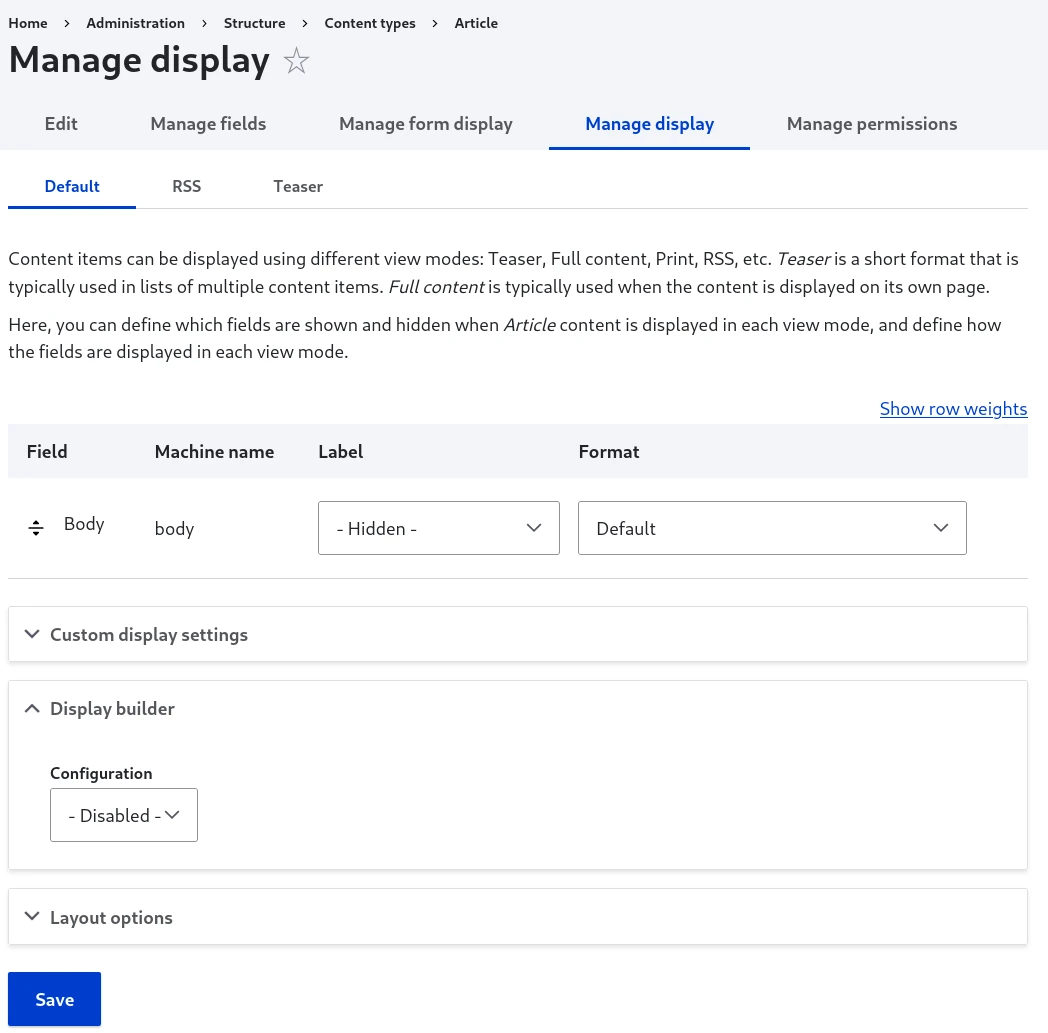
Usage
Once your Display Builder selection is submitted, a big Display builder button replaces the field formatter table and opens the builder:
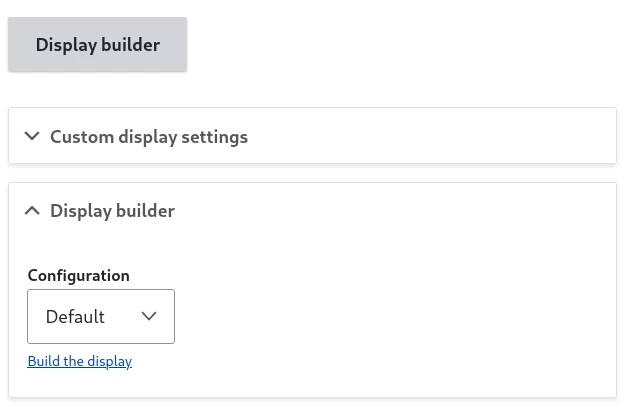
Deactivating Display Builder for a display brings the field formatter table back. This does not touch the display's own field formatter configuration: Display Builder only stores what it needs (its profile, its sources) as separate settings alongside it, never inside the formatter table's own data. Whatever the formatter table showed before activation is exactly what it shows again after deactivation.
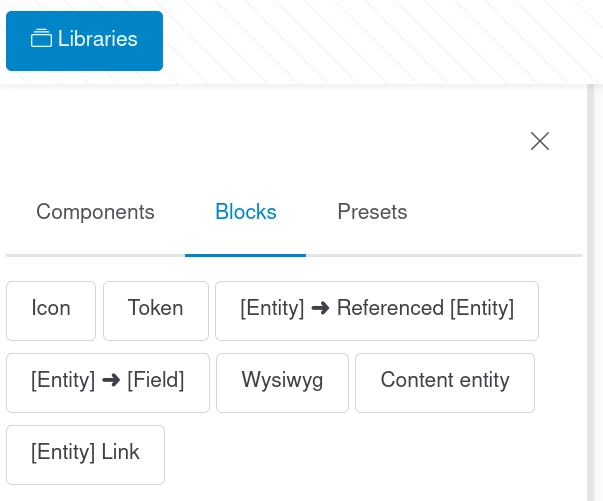
Slot sources specific to the Entity Display context will show up in the Blocks tab of the Libraries panel:
Display Builder saves every state as a revision of a temporary instance, but is not auto-saving to the configuration.
You can manually publish the current state in the configuration or restore the state currently published in the configuration:

Use with Layout Builder
Both can be activated at the same time and they don't conflict while building the display:
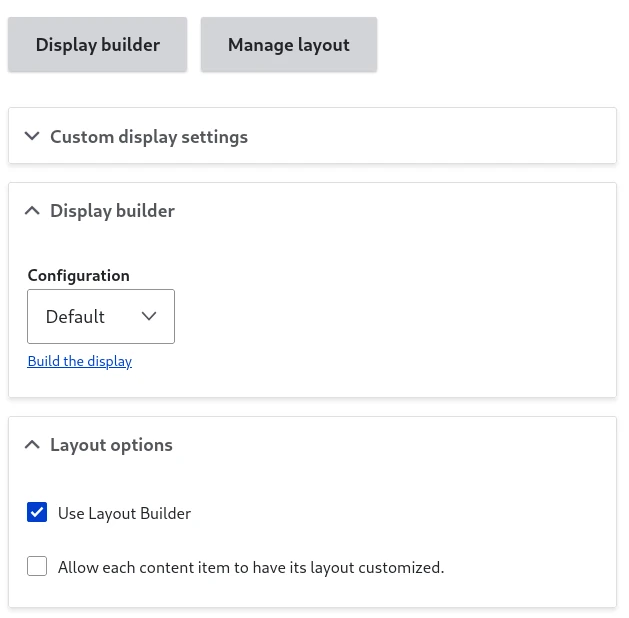
However, only one of the tool will be used to render the content.
Note
You can test Display Builder without removing Layout Builder. Both can coexist, allowing you to switch back if needed. Only one will be active for rendering at a time based on your Display Builder profile selection.
See also
- Build your first display - Build and publish your first display
- Entity view displays overrides - Let content editors override this display per item
- Available islands - Reference for the Libraries, Canvas and toolbar islands