Pattern preset
Dropping a preset makes a copy. Editing a preset changes what gets dropped from now on: displays that already use it do not change.
A pattern preset is a reusable arrangement of components, because:
- Pattern is the design systems term for "an arrangement of components for a specific purpose" (not to be confused with "UI Patterns" module which was previously using "patterns" term for "components")
- Preset is what is actually happening under the hood: saving and reusing those arrangements
They must not be confused with UI components:
- Components are the individual building blocks that a UI is made out of. They're context-agnostic and can be used anywhere within an app. They are SDC plugins.
- Patterns are the ways these components are used within a UI. They're relevant only in certain contexts. They are config entities.
Activate
The Preset menu item and the Presets library panel must be enabled in the Display Builder's profile.
Create a pattern preset
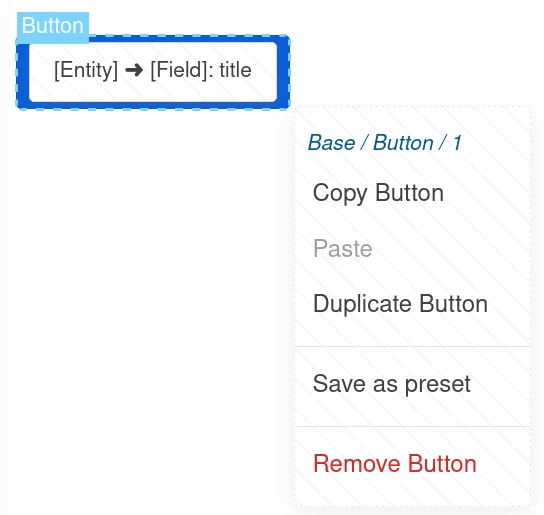
You can click on any element of the Canvas panel and select Save as preset:
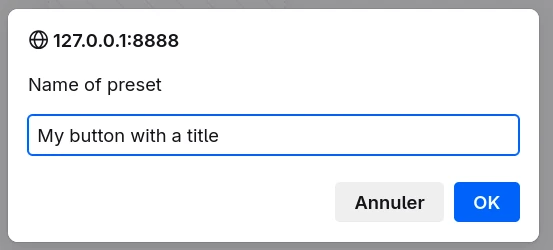
Your preset must have a name:
Use a pattern preset
The pattern preset is now available in the Presets library panel if:
- the current Display Builder satisfies the contexts its sources require (Page, Content, Entity, Field, Field item, View...). A preset requiring no context is listed everywhere.
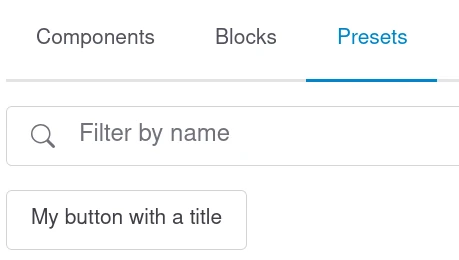
The preset sources are copied into the display at the position where the preset is dropped. The copy keeps no link to the preset.
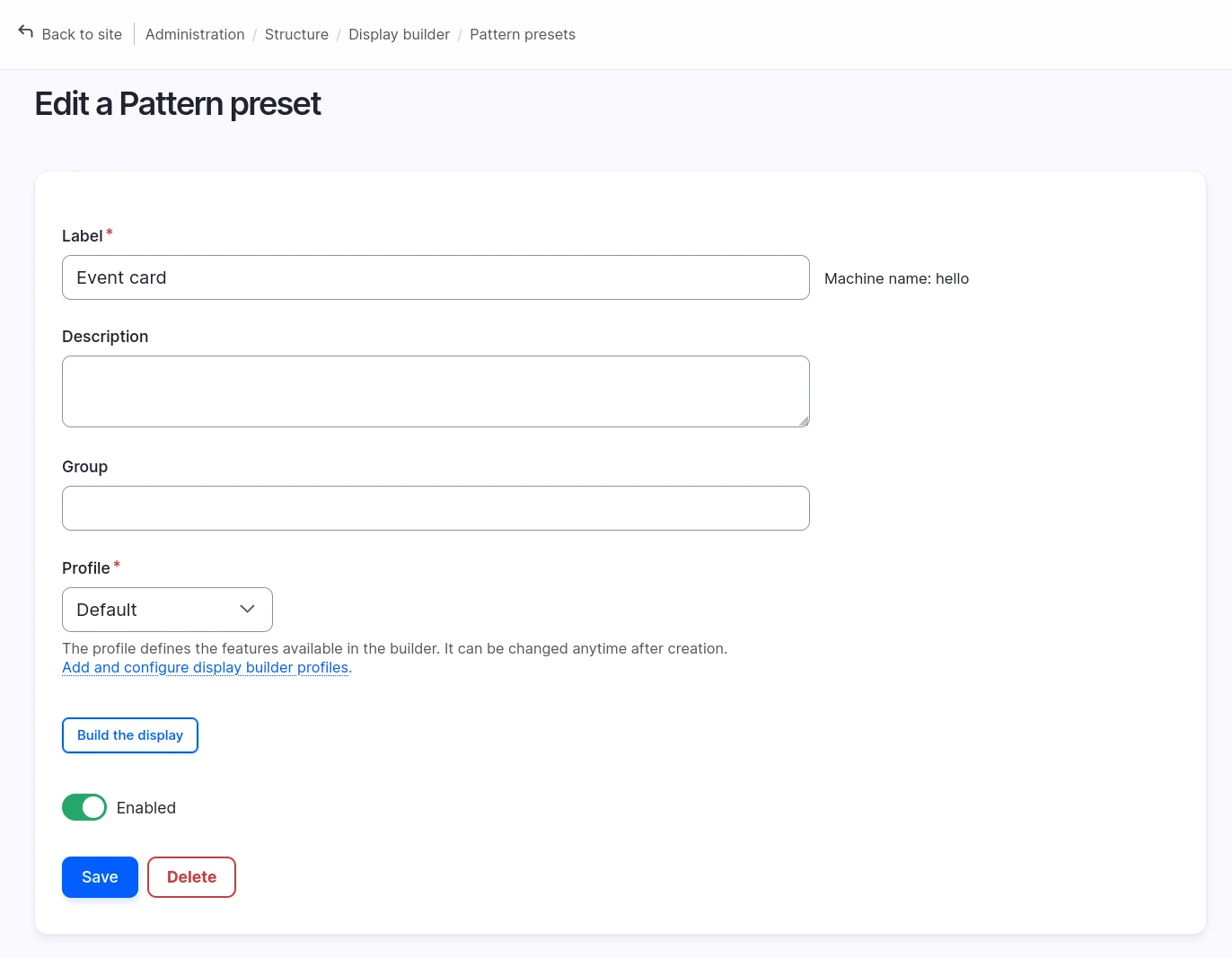
Presets management from admin UI
You need the display_builder_ui sub-module enabled to have access to /admin/structure/display-builder/preset:
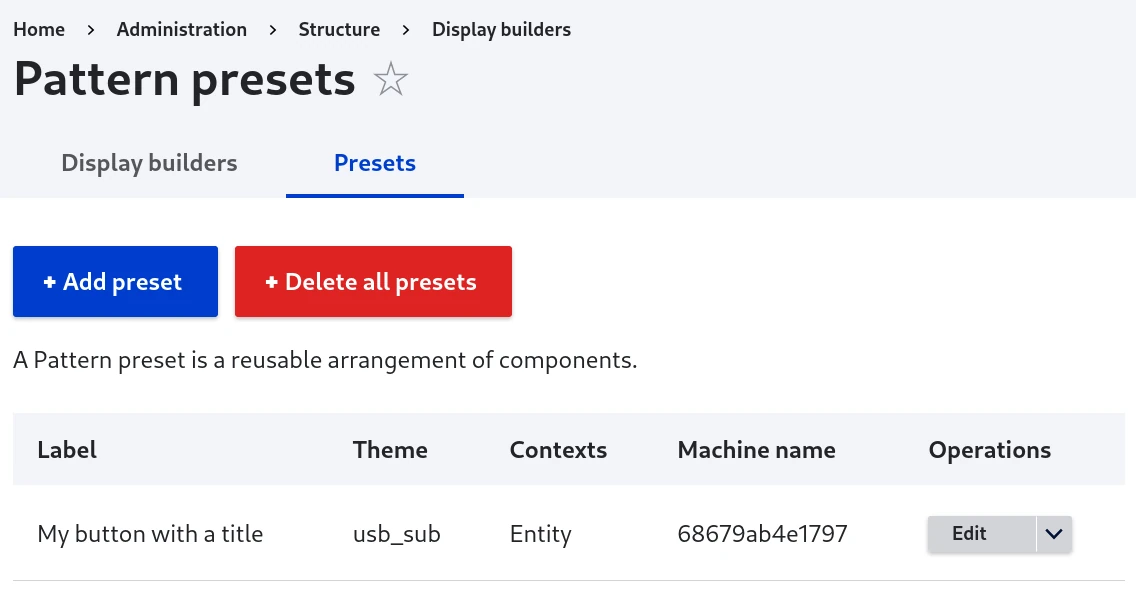
From there, you can also change the group assigned by default, to organize the pattern preset panel as you wish.
Edit a pattern preset
Build opens the preset in Display Builder, with the first profile you are allowed to use. Publish saves it: displays that already use the preset do not change. Adding a preset from the admin UI opens it there directly.
A preset holds a single root element. Fields in it are previewed on a sample entity of their bundle.