Configuring
You need display_builder_ui sub-module.
Permissions:
- "Administer Display Builder profiles" (
administer display builder profile), to manage profiles - "Administer Display Builder presets" (
administer pattern preset), to manage pattern presets - "List Display Builder instances" (
view display builder instance), to see the instances admin page
List of Display Builder profiles
/admin/structure/display-builder
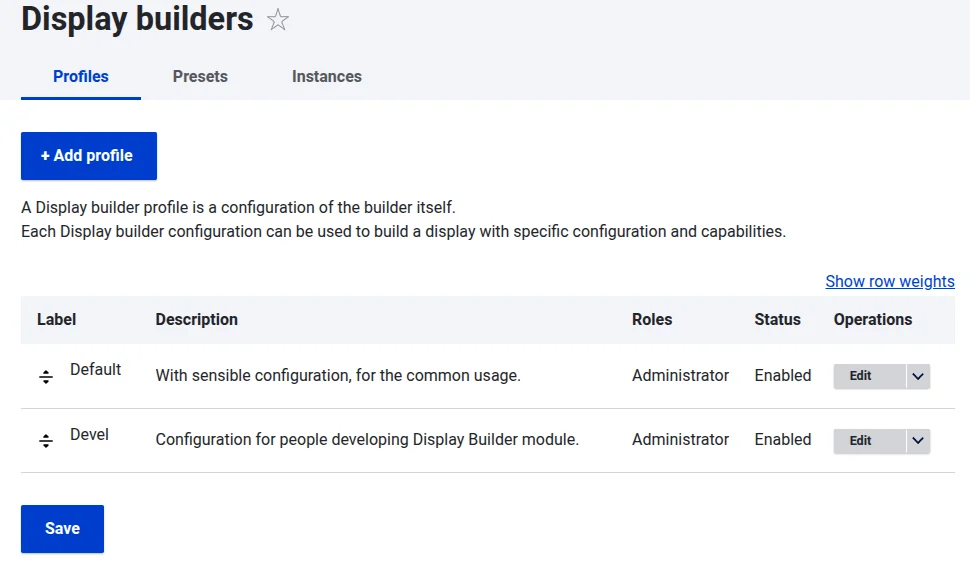
Configuration of a single Display Builder profile (config entity)
Each Display Builder profile is a configuration entity with:
- Metadata: a label and a description
- Roles: the roles allowed to use the profile, shown once the profile is saved a first time
- The islands, by type: which ones are enabled, and their order. The settings of a single island, behind its Configure link, are available once the profile is saved a first time
- Flatten library panels (
library_flat), in the Library panels tab: merge the enabled library panels into a single list sharing one search box, with Presets keeping their own tab - Enabled: the profile status
There are 7 types of islands:
Viewpanels: shown as a tab in the main area, or as a drawer in the sidebarPreview: a single panel rendering the display as visitors see it, pinned beside the active main-area tab by the toolbar's preview toggleButtons: toolbar buttons, at the start or the end of the toolbarLibrarypanels: tabs of the Libraries sidebar panelContextualpanels: tabs of the contextual sidebar, shown while a component or block is selectedMenuitems: entries of the contextual menu, opened with a right-clickFloatingcontrols: attached to one or more main-area panels (e.g. the Canvas or the Preview panel), only visible while one of them is the active pane
Visual positioning:
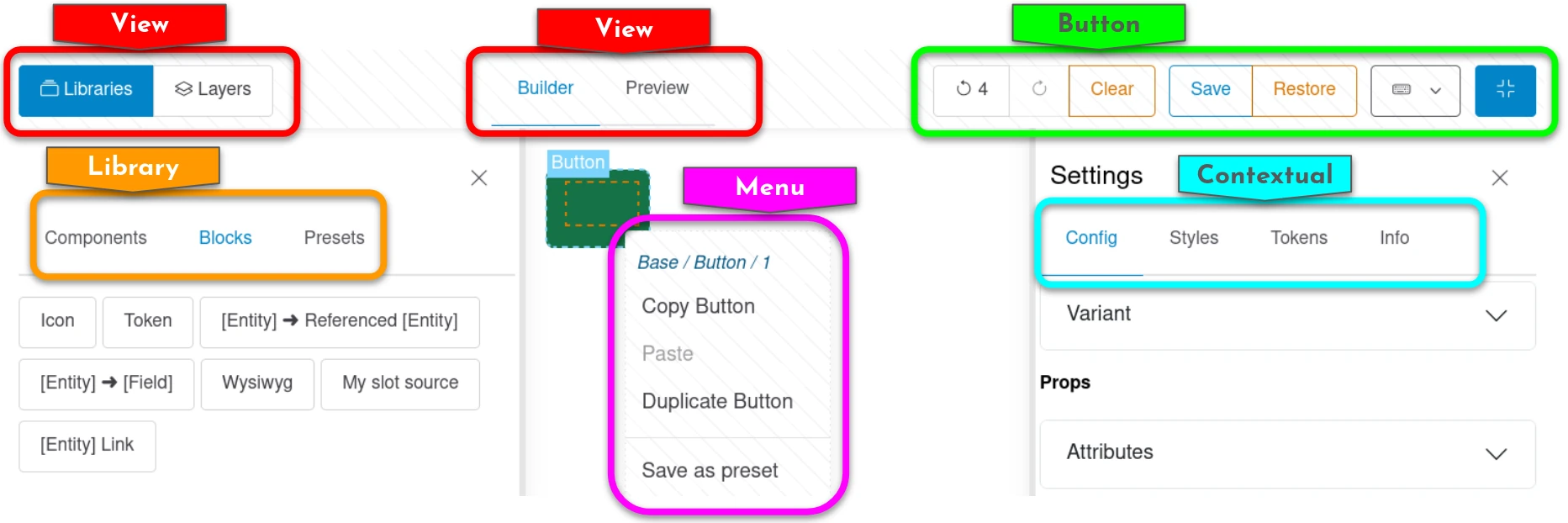
Each island can be:
- enabled or not
- ordered relatively to the other ones of a same type
- configured one by one
Islands have no region choice: whether a View panel is a main area tab or a
sidebar drawer, and whether a Button sits at the start or the end of the
toolbar, is fixed by the plugin itself, because the regions of a type are built
differently from one another (a narrow drawer versus a full width tab), not
because one is preferred over the other.
A type split into several regions is configured as one table per region: an island can be reordered inside its region, never moved out of it.
Floating controls are the same: which panel(s) they attach to is fixed by the
plugin itself (not admin-configurable, since a floating control is usually
built for a specific panel's own layout/CSS) - no region choice, just
enable/disable and (if two or more attach to the same panel) reordering.
Access & permissions
Each Display Builder profile is associated to a permission. The Roles checkboxes of the profile form grant or revoke it:
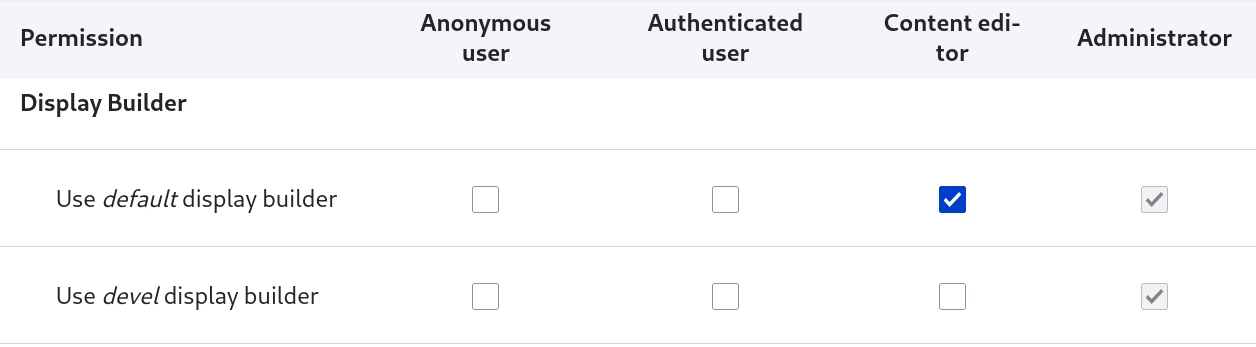
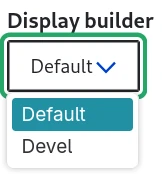
This is conditioning the builders available in the selector for a specific user:
See also
- Available islands - Learn about built-in UI islands
- Extend with island plugins - Create custom islands
- Entity displays - Example of Display Builder usage
- Page layouts - Another example of Display Builder usage