Entity view displays overrides with Display Builder
A page is assembled from several levels at once: a page layout places the page's main content. What fills it is a display: an entity's view display, or a Views display. A display can itself place another display, by rendering a reference field with a view mode.
See How displays nest.
Activate
You need display_builder_entity_view module and ui_patterns_field sub-module from UI Patterns 2 project.
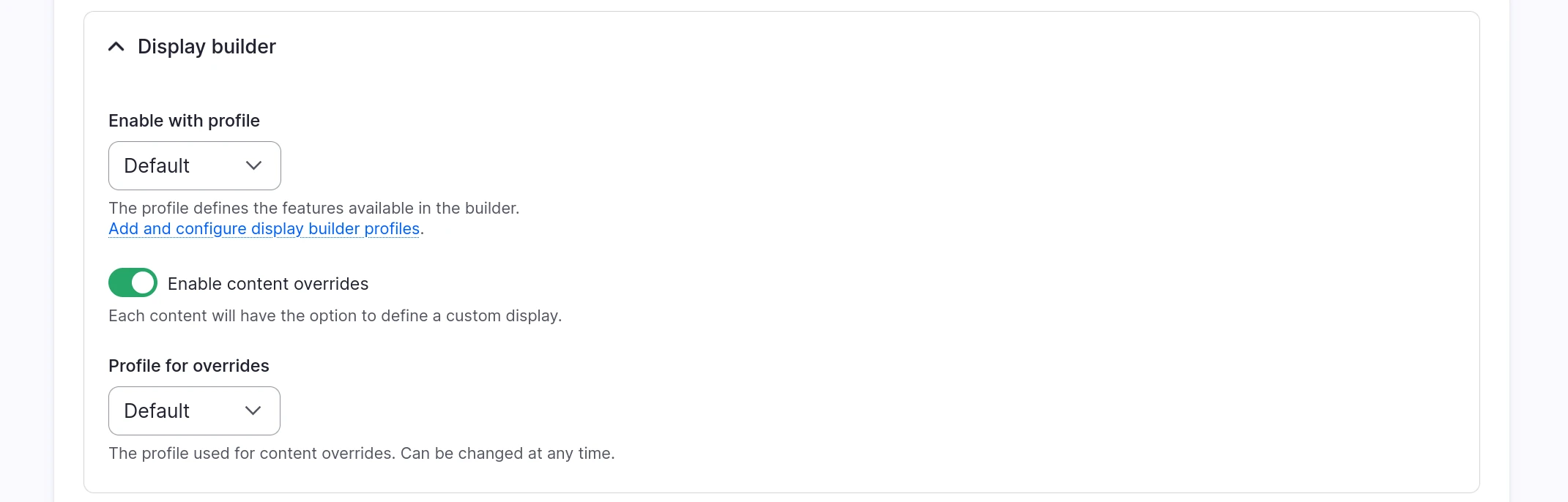
Contrary to Layout Builder, overrides are not limited to the default display. You can activate them for each display, with the Enable content overrides checkbox in the Display builder fieldset:
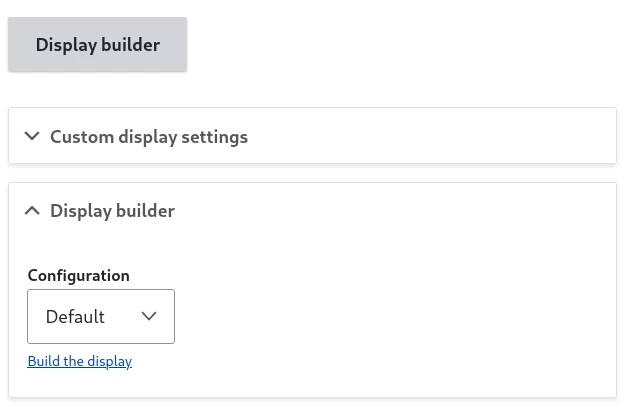
On activation, you can pick the Config Profile the content editors will use, under Profile for overrides:
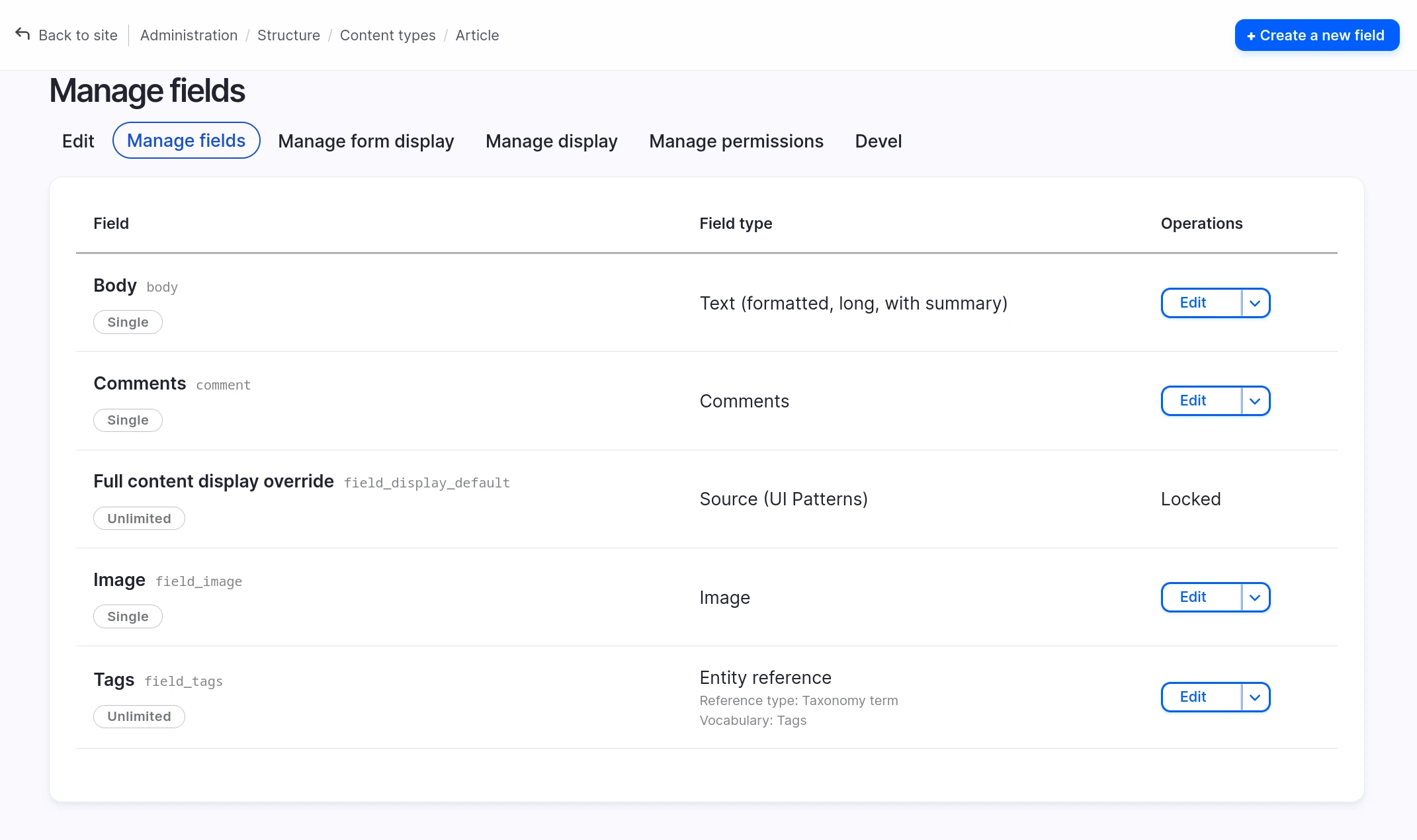
A content field has been automatically created to store the overrides:
The field can be changed later, with Display Override Field:
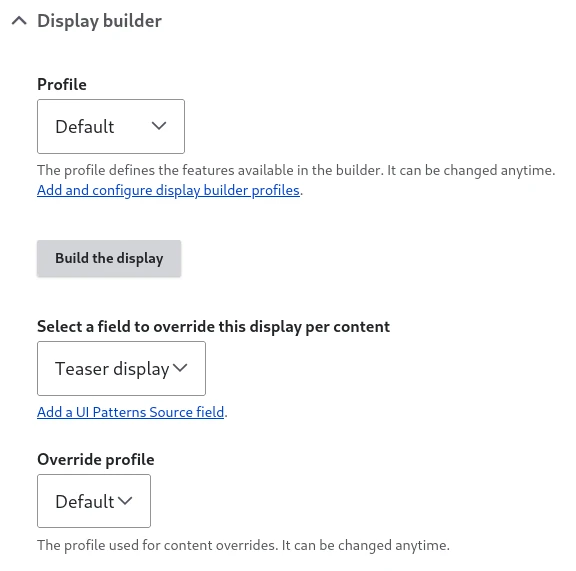
The field cardinality is limiting the number of sources we can put at the display root level.
It is not possible to pick the same field in different displays.
Use Display Builder in the content
Any user with both the permission to edit the content and the one to use the display builder profile can override the display.
A mechanism similar to Layout Builder's overrides, but not limited to the default display.
Each overridable display gets its own link, named after the display it opens, added flat alongside View, Edit, Delete and Revisions in the content edit tabs - e.g. Display: Full content and Display: Teaser:

With the Drupal Navigation module enabled, these tabs are removed from the content page itself. The Display dropdown of the top bar lists the display rendering the page instead, with Customize this content to start an override.
The builder is a regular one with the same sources as Entity View Display plus some sources only available when editing a content.
The first time you open the override, it does not start blank. On the default view mode, an existing Layout Builder override of the content is imported first, see Migration from Layout Builder. Otherwise, if the underlying display (the one picked when Content Overrides was activated) was itself built with Display Builder, its arrangement is copied in as the starting point, once, on the override's first creation. Only a display Display Builder never built, with nothing to copy, starts empty.
That copy is a one-time snapshot, not a live link: an override stores its own arrangement in its content field, independent of the underlying display from then on. Changing the underlying display later, even substantially, does not reach into or break an override that already exists.
The Publish button stores the display in the content field. The Restore button loads the display from the content field.
Because it lives in a content field, the override travels with the content's own revisions on entities that support them: publishing starts a new entity revision carrying that override, the same as any other field change. Viewing an older revision of the content shows what the override looked like at that point, not always the latest.
Tip
Content editors can override the display once per configured display (default, teaser, etc.). This gives you granular control over how content appears in different contexts.
See also
- Entity view displays - Base display configuration
- Pattern presets - Save and reuse component arrangements
- Migration from Layout Builder - Transition from Layout Builder overrides